
Website maintenance in Canada costs between $100 and $500 per month for most small and mid-sized businesses, depending on platform, complexity, and how much support is included. That fee covers software updates, security monitoring, backups, speed optimization, and content changes. This guide breaks down exactly what you should pay, what a real maintenance plan includes, and what neglecting your site actually costs you.
Summary
- Typical Canadian pricing: $50–$150/month (basic), $100–$500/month (professional full-service), $500–$2,500/month (agency-level with development hours).
- A real plan includes updates, security, backups, uptime monitoring, speed optimization, and a set amount of content changes.
- WordPress sites need the most consistent attention because plugins, themes, and core all update independently.
- Skipping maintenance costs more than paying for it: hacked-site cleanup alone typically runs $1,000–$5,000, plus lost rankings and revenue.
- The right question is not “how cheap can I get maintenance” but “what does an hour of downtime or a lost ranking cost my business?”

Table of Contents
- What Is Website Maintenance?
- How Much Does Website Maintenance Cost in Canada?
- What Should a Website Maintenance Plan Include?
- What Happens If You Skip Website Maintenance?
- Why WordPress Sites Need the Most Attention
- DIY vs Freelancer vs Agency: Which Should You Choose?
- Common Website Maintenance Mistakes
- FAQ
What Is Website Maintenance?
Website maintenance is the ongoing work of keeping a website secure, fast, functional, and current after launch. It includes software and plugin updates, security monitoring, backups, uptime checks, performance optimization, bug fixes, and routine content updates like pricing changes or new team photos.
Think of it the way you think of vehicle maintenance. Nobody budgets for a car and assumes it never needs oil changes, tires, or brake pads. Yet many business owners budget $5,000–$15,000 for a website build and $0 for keeping it alive. The result is predictable: within 18 months the site is slower, less secure, ranking lower, and quietly costing them leads. If you have not budgeted for the build itself yet, our 2026 Canadian website pricing guide covers that side of the equation.
How Much Does Website Maintenance Cost in Canada?
Most Canadian businesses pay $100–$500 per month for professional website maintenance in 2026. Basic plans covering only updates and backups start around $50/month, while agency plans that include development hours, CRO work, and priority support run $500–$2,500/month.
| Tier | Monthly Cost (CAD) | What You Get | Best For |
|---|---|---|---|
| DIY | $20–$60 (tools only) | Hosting, backup plugin, security plugin, your own time | Hobby sites, pre-revenue projects |
| Basic managed | $50–$150 | Core/plugin updates, backups, uptime monitoring | Simple brochure sites |
| Professional | $150–$500 | Everything above plus security hardening, speed optimization, monthly content edits, reporting | Most small and mid-sized businesses |
| Agency / growth | $500–$2,500+ | Everything above plus dev hours, CRO, SEO upkeep, priority support | Revenue-critical sites, e-commerce, lead-gen engines |
Three factors move you up or down that table. First, platform: a WordPress site with 25 plugins needs more hands-on care than a locked-down static site. Second, business dependency: if your website is your primary lead source, an outage is a revenue event, not an inconvenience. Third, rate of change: a site you update weekly with new offers, listings, or content needs a plan with real editing hours built in.
Annual Budget Snapshot
Beyond the monthly fee, budget for recurring fixed costs: domain renewal ($15–$60/year), hosting ($120–$600/year for quality managed hosting), premium plugin or theme licenses ($100–$400/year), and email services. A realistic all-in annual figure for a professionally maintained small business site in Canada is $2,500–$7,000.
What Should a Website Maintenance Plan Include?
A legitimate maintenance plan covers seven areas: software updates, security, backups, uptime monitoring, performance, content edits, and reporting. If a provider cannot show you all seven in writing, you are buying hosting with a maintenance label on it.
- Software updates. CMS core, plugins, and themes updated on a schedule, tested on staging before production for anything major.
- Security. Malware scanning, firewall rules, login protection, SSL management, and a documented response process if something gets through.
- Backups. Automated daily backups stored off-server, with restores actually tested. An untested backup is a hope, not a plan.
- Uptime monitoring. Automated alerts the moment the site goes down, so your provider knows before your customers tell you.
- Performance. Image compression, caching, database cleanup, and Core Web Vitals checks. Speed decays without attention, and slow sites lose both rankings and conversions, as we covered in our guide to website speed optimization for Canadian businesses.
- Content edits. A defined monthly allotment for text, image, pricing, and page changes with a stated turnaround time.
- Reporting. A monthly summary of what was updated, blocked, backed up, and fixed. If you never hear from your maintenance provider, assume nothing is happening.
What Happens If You Skip Website Maintenance?
Skipping maintenance does not save money; it defers a larger bill. An unmaintained website degrades in four ways: it becomes a security target, it slows down, it loses search rankings, and eventually something visible breaks in front of a customer.
- Security. Outdated plugins are the single most common entry point for WordPress compromises. Cleanup, blacklist removal, and reputation repair after a hack typically costs $1,000–$5,000 and takes days you do not have.
- Speed decay. Databases bloat, images pile up uncompressed, and scripts accumulate. Users notice before you do, and so does Google.
- SEO erosion. Broken links, crawl errors, expired schema, and slow load times quietly bleed rankings you paid to earn. Recovering a lost position costs far more than maintaining it.
- Visible failure. Contact forms silently stop sending. Checkout breaks after a plugin conflict. The worst part is you rarely find out immediately; you just notice leads dried up.
Why WordPress Sites Need the Most Attention
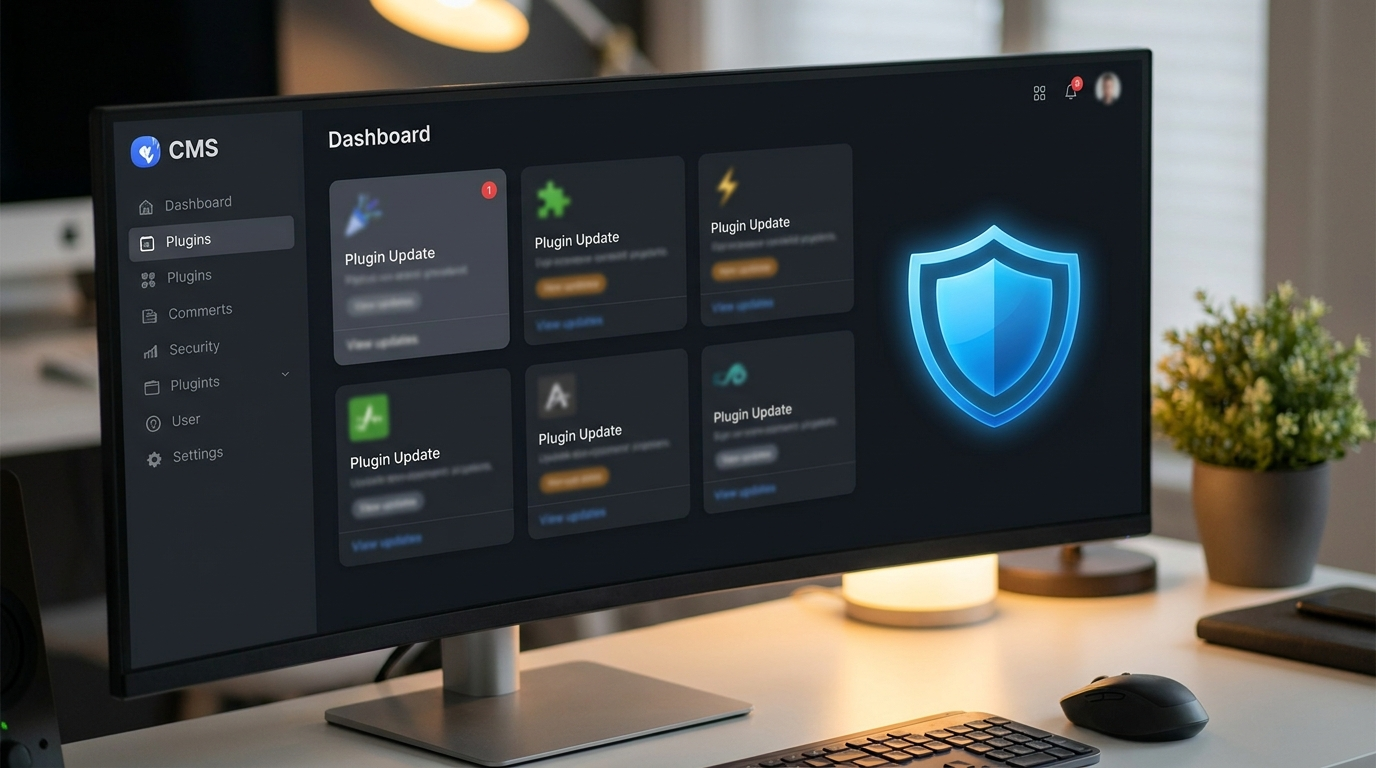
WordPress powers over 40% of the web, which makes it both the most flexible platform for Canadian businesses and the most targeted. A typical business site runs WordPress core plus 15–30 plugins plus a theme, and each updates on its own schedule. Any single update can conflict with another, which is why professional maintenance uses staging environments instead of clicking “update all” in production.
Builder-based sites (Elementor and similar) add another layer: the builder itself, its addons, and the theme must stay compatible with each other and with PHP versions on the server. This is exactly the kind of dependency chain that breaks silently. If your site was built by an agency that disappeared after launch, a maintenance audit is the first thing to commission, and if you are planning a rebuild anyway, read our guide on redesigning without losing your Google rankings first.
DIY vs Freelancer vs Agency: Which Should You Choose?
Choose based on what an hour of downtime costs you. If the answer is “nothing,” DIY is fine. If the answer is “leads, bookings, or sales,” pay a professional.
DIY
Pros: cheapest cash outlay, full control. Cons: your time is the real cost, no staging discipline, no one watching at 3 a.m., and you own every mistake. Reasonable for hobby projects, rarely for revenue sites.
Freelancer
Pros: affordable ($50–$150/month), personal relationship. Cons: single point of failure. Freelancers get sick, get busy, and get out of the business. Ask what happens to your site when they are unavailable; the honest answer is usually “nothing happens, and that is the problem.”
Agency
Pros: team coverage, staging workflows, security tooling, defined SLAs, and the ability to fold maintenance into growth work like SEO and CRO so the site improves instead of just surviving. Cons: higher monthly fee. For a site that generates revenue, the fee is insurance plus compounding improvement, which is exactly how our website growth packages are structured, and why new builds from our website packages ship with care included rather than bolted on later.
Common Website Maintenance Mistakes
- Confusing hosting with maintenance. Hosting keeps the server on. Maintenance keeps the website healthy. They are different products.
- Auto-updating everything in production. Convenient until one plugin update takes down checkout on a Friday night.
- Backups stored on the same server as the site. If the server is compromised, so are the backups.
- No one owns it. “Our office manager sort of handles the website” is how forms break for six weeks unnoticed.
- Buying the cheapest plan for a revenue-critical site. A $50 plan on a site producing $50,000/month in pipeline is a mispriced risk.
FAQ
How much does website maintenance cost per month in Canada?
Most Canadian small businesses pay $100–$500/month. Basic update-and-backup plans start near $50/month, and agency-level plans with development hours run $500–$2,500/month.
Is website maintenance really necessary?
Yes, for any site that matters to your business. Software updates, security patches, and backups are not optional on the modern web; skipping them leads to hacks, downtime, and ranking loss that cost far more than the plan.
What is included in website maintenance?
A complete plan includes software updates, security monitoring, off-server backups, uptime monitoring, speed optimization, a monthly allotment of content edits, and reporting.
How often should a website be updated?
Security patches should be applied within days of release. Plugin and core updates should be reviewed at least weekly for WordPress sites. Content should be reviewed monthly and refreshed whenever pricing, offers, or team details change.
Can I maintain my website myself?
You can if you have the time and technical comfort, but weigh your hourly value against the plan cost. Most business owners spend 3–6 hours a month doing a worse job than a $150–$300 plan would.
Conclusion
Website maintenance is not a cost center; it is what protects the asset you already paid to build. Budget $100–$500/month for professional care, demand all seven components in writing, and match the plan tier to what your website actually earns you. If your site has been coasting unmaintained since launch, the audit will be uncomfortable, but it is cheaper than the alternative.
Want your site maintained, secured, and actually improving every month? Tell us about your website and we will scope the right plan: start your intake here.